
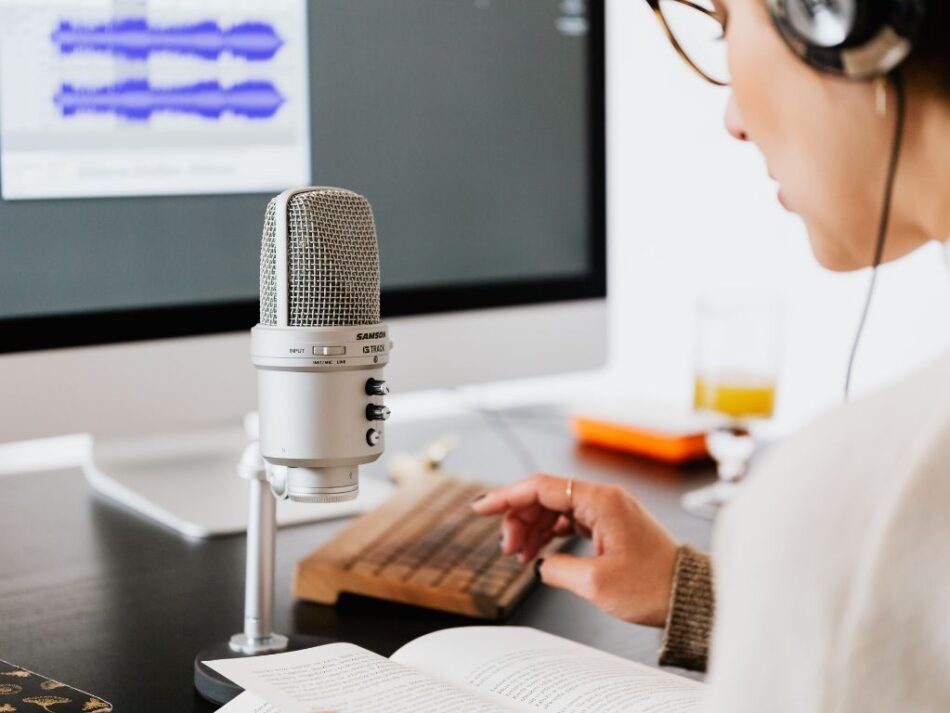

Professional audio capture has become essential for journalists conducting interviews, students recording lectures, business professionals documenting meetings, and content creators capturing ideas. A quality voice recorder app delivers clear audio quality, intuitive controls, and reliable storage—ensuring important conversations preserve accurately for future reference.
Why Dedicated Recording Apps Excel
Built-in device recorders typically provide basic functionality insufficient for professional requirements. A specialized voice recorder app offers: background noise cancellation, adjustable quality settings, file organization systems, cloud backup integration, and advanced features like transcription services. These capabilities distinguish between adequate recording and professional audio capture.
Modern voice recorder app solutions have evolved beyond simple audio capture. Leading applications provide real-time transcription, speaker identification, audio editing capabilities, and intelligent organization. These features transform raw recordings into searchable, actionable content—dramatically improving information retrieval efficiency.
Leading Voice Recording Solutions
Otter.ai revolutionizes voice recording through real-time AI transcription. This voice recorder app converts spoken words into searchable text simultaneously with recording. Speaker identification distinguishes multiple participants in meetings or interviews. Integration with calendar applications enables automatic meeting recording and transcription.
Rev Voice Recorder focuses on audio quality and professional transcription services. The recorder app captures high-fidelity audio suitable for professional journalism or legal documentation. Optional paid transcription services provide human-generated transcripts with 99% accuracy—significantly exceeding automated alternatives.
Easy Voice Recorder delivers straightforward recording without complexity. This voice recorder app provides multiple quality settings, unlimited recording duration, and organized file management. Cloud storage integration ensures recordings remain accessible across devices.
Essential Recording Features
Evaluate voice recorder app options on: audio quality settings (bitrate customization), background noise reduction, pause/resume functionality, file format flexibility, cloud backup options, and transcription capabilities. Battery efficiency matters for extended recordings—lectures or conferences potentially spanning hours.
Organization systems distinguish professional from basic solutions. Tag-based filing, custom folders, and searchable titles enable efficient recording retrieval weeks or months after capture. For professionals managing recorded content alongside written notes, explore best note-taking apps for students, which often integrate audio recording.
Professional Use Cases
Journalists capture interview audio for accurate quote verification and story development. Students record lectures for comprehensive note-taking and exam preparation. Business professionals document meeting decisions and action items. Content creators capture spontaneous ideas for future development. Legal professionals preserve deposition testimony and client consultations.
Conclusion
A professional voice recorder app transforms audio capture from basic functionality into comprehensive documentation system through transcription, organization, and quality optimization. Otter.ai offers real-time transcription, Rev provides professional-grade quality, and Easy Voice Recorder delivers accessible simplicity. Select solutions matching your accuracy requirements and usage frequency. For additional productivity tools, visit our app lists category.